Did you know that the layout of your workspace can directly shape your teams’ productivity and day-to-day well-being? According to the Leesman and JLL studies published in 2024, a layout aligned with the type of activity can deliver between 12% and 20% productivity gains and cut absenteeism by nearly a third. With the rise of hybrid work, choosing the right type of office for your company is no longer a matter of aesthetics alone but a real driver of organisational efficiency and employer appeal.
In this complete guide, you’ll discover the six main families of offices, their strengths, their limits, as well as recommended space ratios, the sectors they suit best and indicative investment ranges. Enough to help you pick the layout that fits your needs and those of your teams.
The private office, a dedicated personal space
Characteristics of the private office
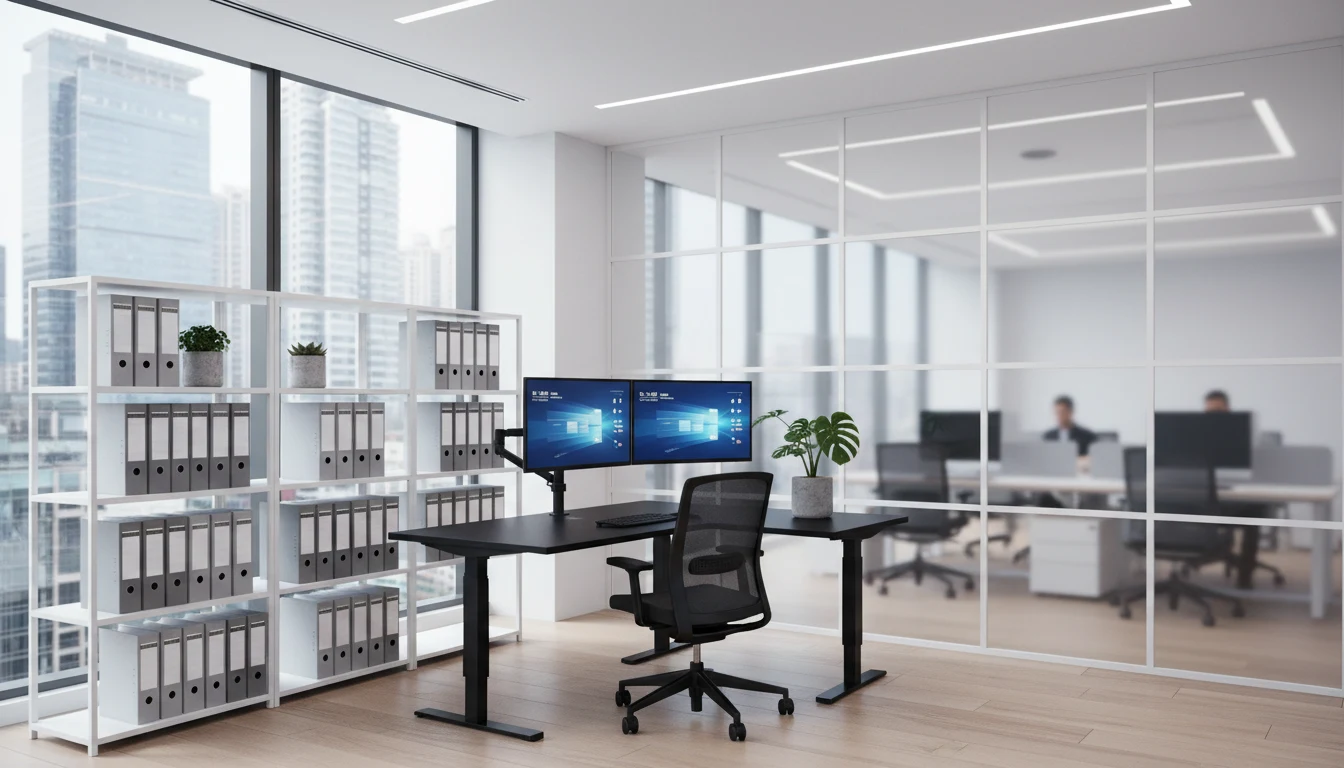
The private office is a dedicated space reserved for a single employee, usually enclosed by solid or glass partitions. It offers strong privacy, a controlled environment and an excellent level of confidentiality.
Standard layout figures: a ratio of 8 to 12 m² per workstation (partitions included), ergonomic furniture (chair compliant with EN 1335, fixed or sit-stand desk), individual lighting at 500 lux on the work surface, and careful acoustics (partitions with R’w ≥ 38 dB for confidential discussions).
It is mostly found in executive, HR, legal, medical, finance and consulting functions, where confidentiality and focus matter more than team interaction. Indicative investment per workstation (furniture + partitions): 3,000 to 6,000 CHF.
Pros and cons of the private office
The pros:
- optimal focus and confidentiality for discussions,
- personalisation of the space (ergonomics, light, acoustics),
- a fitting setting for client meetings or sensitive conversations,
- time savings (far fewer interruptions than in an open-plan office).
The limits:
- higher cost per m² (partitions, dedicated air-conditioning, more light fittings),
- fewer spontaneous interactions and a risk of isolation,
- a larger usable surface, therefore a higher rent,
- reduced flexibility when teams need to be quickly reorganised.
This format is particularly well suited to roles with high cognitive load or strict confidentiality requirements. In other cases, it can be replaced by semi-private spaces or phone booths.
The shared office, optimising space with bench desking
Introducing the bench desk
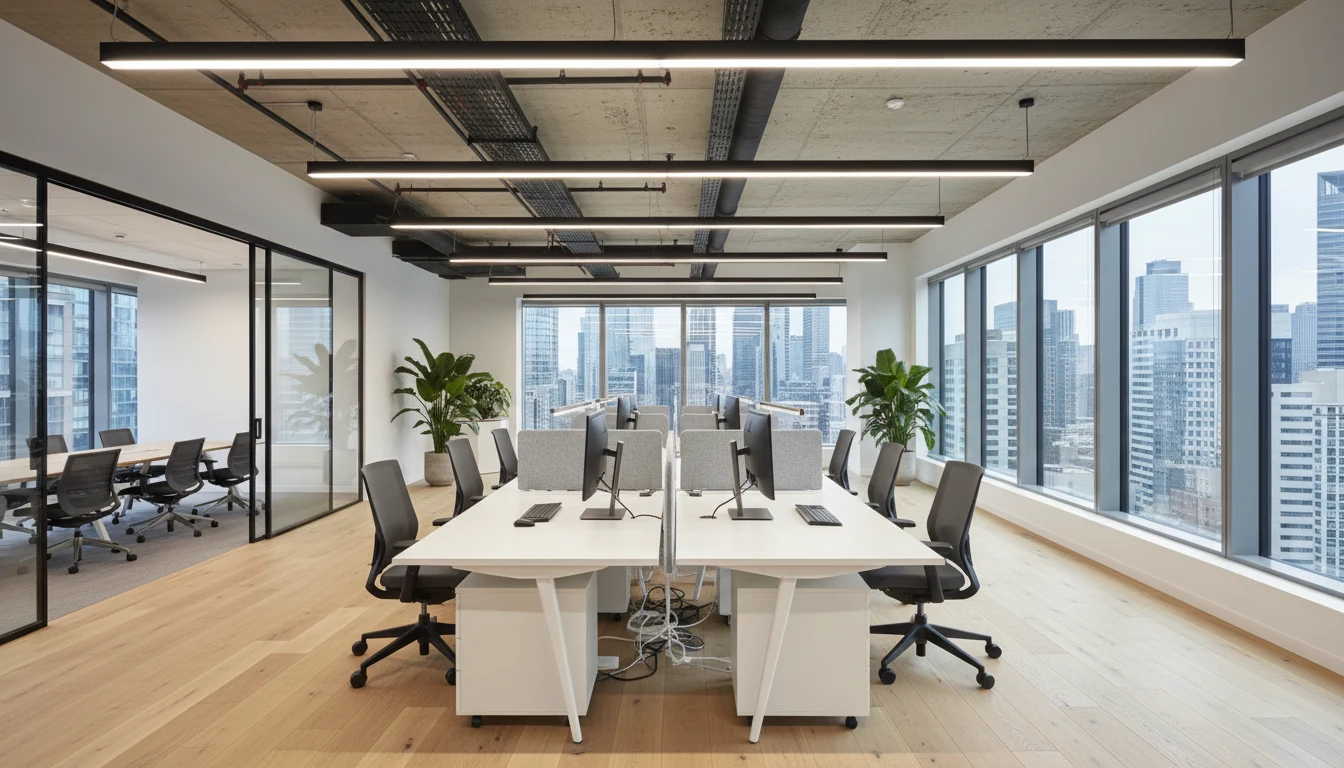
The bench desk is a long, often modular worktop that seats several people side by side or face to face. It has become a reference for teams that work in pairs or in sprints: tech, digital marketing, data, analytics.
Typical ratio: 4 to 6 m² per workstation, making it one of the most space-efficient formats. Bench setups are usually equipped with acoustic dividers in fabric (class A per ISO 11654), a central cable tray and power sockets per workstation. Indicative investment per workstation: 1,000 to 2,500 CHF.
You will mostly find it in startups, IT service firms, software development teams, retail banking open-plan floors and customer relationship centres.
Strengths and weaknesses of shared benching
Strengths: unbeatable density per m², smooth communication between team members, controlled fit-out cost, very fast redeployment (an 8-seat bench can be reconfigured in half a day).
Weaknesses: noise levels often above 55 dB without acoustic treatment, almost no confidentiality, constant visual distraction, faster spread of sick leave during epidemic periods.
To get the most out of the format, plan closed focus rooms from the start (one for every 12 workstations on average) and phone booths (one for every 20 workstations). A bench on its own isn’t a complete activity format; it’s a foundation to be completed.
The open-plan office, supporting collaboration
Specifics of the open-plan office
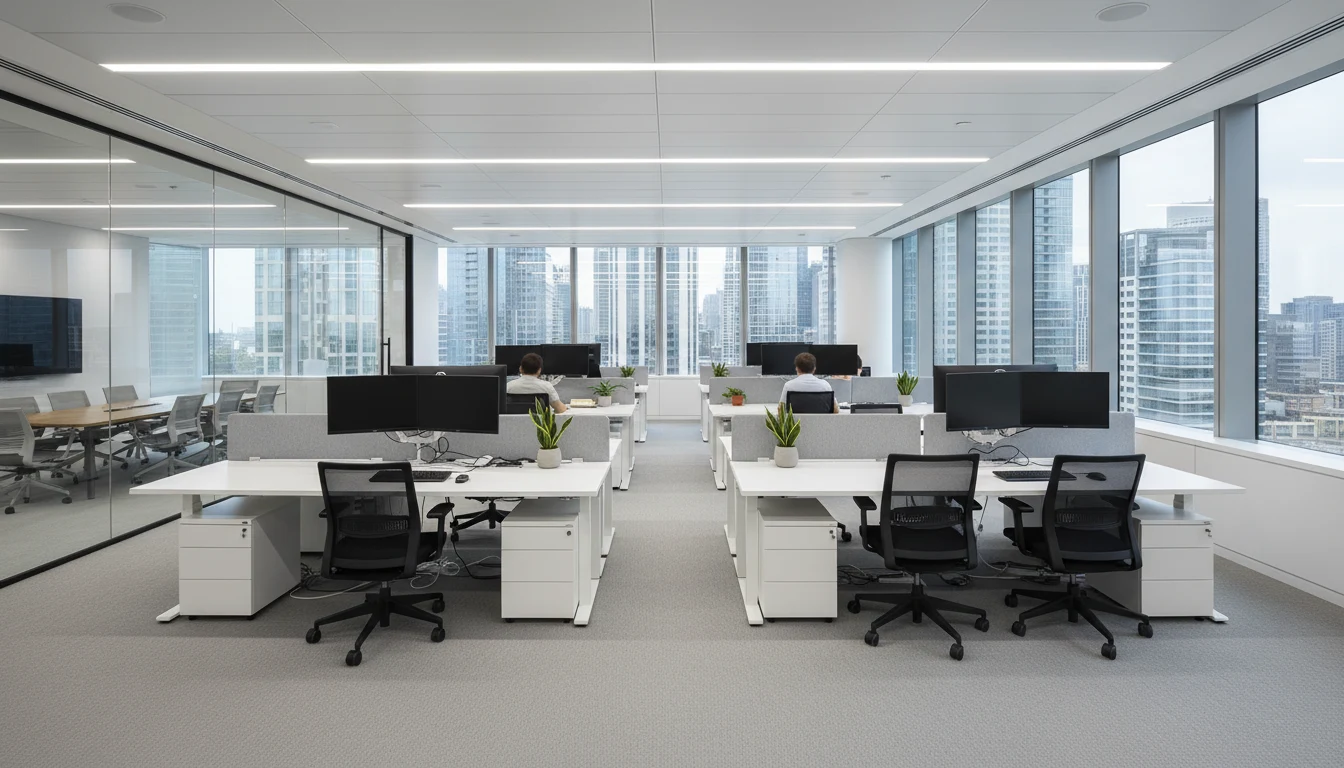
The open-plan office brings several teams together on a single floor without fixed partitioning. It can combine bench desks, clusters of four to six workstations and informal zones (sofas, standing-height tables).
Typical ratio: 6 to 10 m² per workstation depending on density and the generosity of circulation spaces. A well-designed open-plan office follows a few simple rules: a minimum distance of 1.40 m between two face-to-face workstations, 600 lux in mixed lighting, acoustic absorption (αw ≥ 0.60) on the ceiling, and control of screen glare (windows placed perpendicular to desk rows).
It’s the reference format for creative sectors, agencies, tech, marketing, accounting firms and the headquarters of mid-caps. Indicative investment per workstation: 1,500 to 3,500 CHF.
Benefits and limits of the open office
Benefits: fast information flow, accelerated on-the-job learning for junior staff, sense of belonging, team flexibility, controlled floor cost, shared equipment (printers, large meeting rooms).
Limits: ambient noise often above 60 dB without treatment, end-of-day cognitive fatigue, low confidentiality, risk of visual “presenteeism” that discourages deep work.
The answer isn’t to abandon the open-plan office but to complement it with dedicated zones: phone booths, on-demand meeting rooms, quiet corners. A sound modern ratio: 70% open workstations, 30% closed or semi-closed spaces.
The cubicle, a compromise between private and open office
Specifics of the cubicle
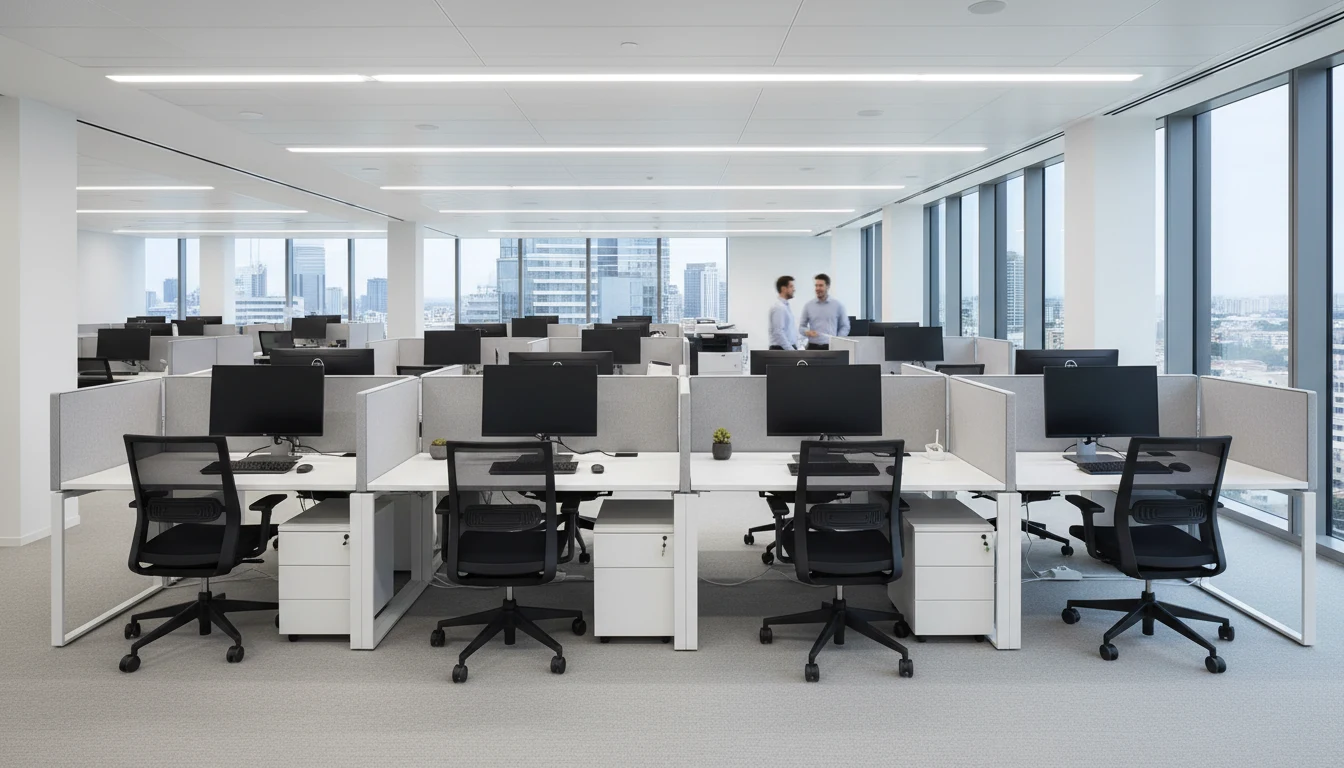
The cubicle is a semi-enclosed workstation delimited by modular partitions, either half-height or full-height with openings. It offers visual privacy without fully cutting the employee off from the rest of the floor.
Typical ratio: 5 to 8 m² per workstation. Modern cubicles (post-2020 generation) have come a long way: partial height to preserve natural light, integrated acoustic panels, textured materials that break the “1990s office” look. Indicative investment per workstation: 2,000 to 4,000 CHF.
Sectors of choice: premium call centres, financial services, compliance, public administrations, technical after-sales services.
Positives and negatives of cubicles
Positives: better focus than a fully open-plan office, visible noise reduction at source (up to 10 dB less with R’w 28 panels), modularity (a cubicle moves without demolition work), a good compromise for roles that alternate between focus and calls.
Negatives: a possible sense of enclosure, an image that can feel dated if poorly designed, fewer spontaneous exchanges, upkeep of the fabric surfaces.
The cubicle is a sensible compromise when partial confidentiality needs to be reconciled with a controlled budget, or when the activity mixes phone calls with document-heavy focus work.
The sit-stand desk, supporting health and well-being at work
Why choose a sit-stand desk?
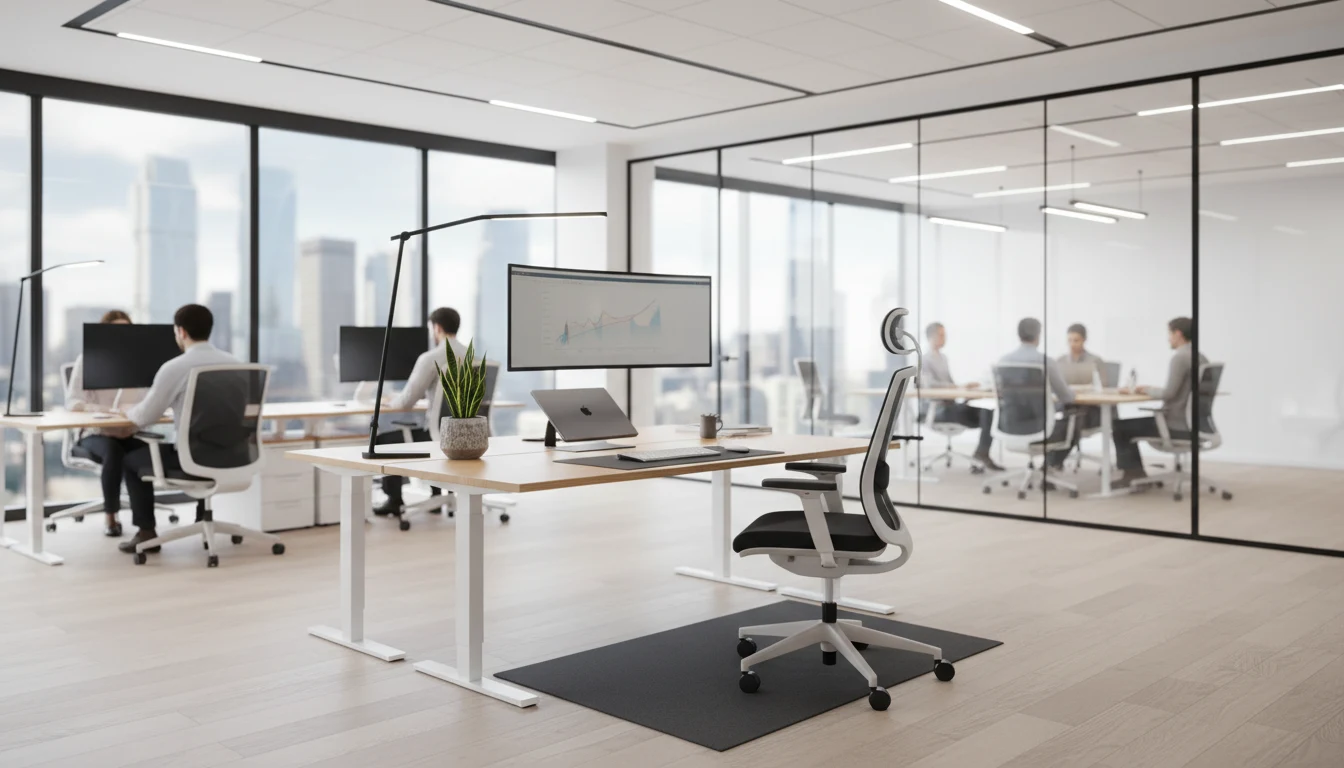
The sit-stand desk lets you switch between sitting and standing with a motorised or crank-driven top. Studies by the Swiss Institute for Occupational Health and recent publications from Cornell University converge: alternating 20 minutes of standing per hour significantly reduces lower-back pain and improves alertness.
It fits into any format (private, bench, open-plan, hybrid). Indicative investment per workstation: 1,200 to 3,500 CHF for the motorised top, depending on the mechanism quality (load capacity, speed, position memory, stability at maximum height).
It particularly suits roles with long screen time: development, design, analysis, writing, quality control. It’s now the standard requested by newer generations and a recruitment argument in job descriptions.
Pros and cons of the sit-stand desk
Main pros:
- fewer musculoskeletal disorders (lower-back pain, neck pain),
- better blood circulation and post-lunch alertness,
- slightly higher energy expenditure,
- flexibility of use (a single workstation can serve two employees of different heights).
Main cons:
- 40 to 100% higher cost compared to an equivalent fixed desk,
- need for an anti-fatigue mat for prolonged standing use,
- adaptation time (users often give up if they’re not supported in the first few weeks),
- more complex cable management (motorised cable routing).
Before deploying, target the most sedentary roles first and support the change with a reminder of sound ergonomic practices. As an expert in professional office fit-out in Geneva, Class Orga helps you size the equipment around real usage.
The hybrid and agile office, tailoring space to the activity
Understanding the hybrid office
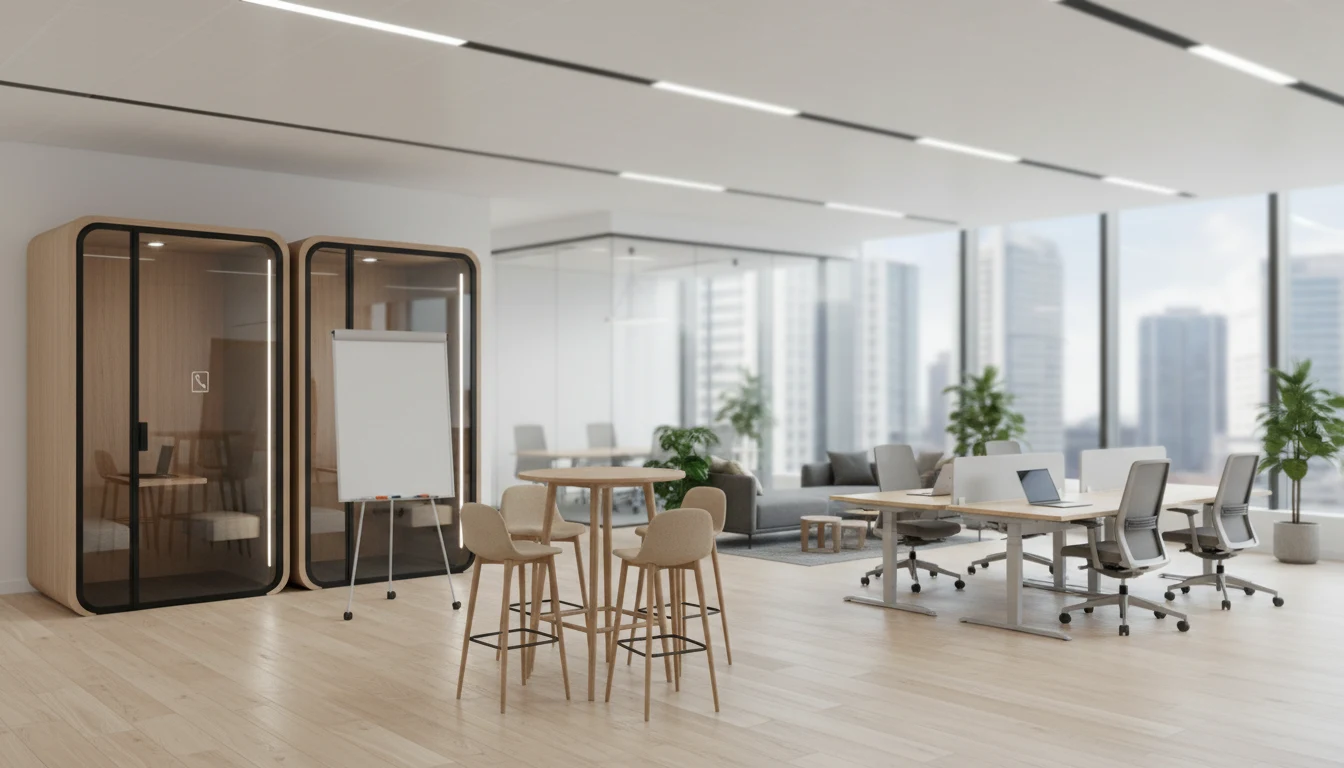
The hybrid office (or flex office, activity-based working) drops the idea of an assigned personal desk in favour of a range of work settings: shared workstations, phone booths, focus rooms, lounges, project zones. Each employee picks their spot based on the task at hand.
Typical ratio: 5 to 8 m² per workstation with a sharing rate of 0.6 to 0.8 workstations per employee (around 10 workstations for 15 employees). That assumed under-occupancy is exactly what makes it possible to fund the varied zones without an overall cost increase.
The format is taking over in corporate headquarters, consultancies, mature tech, luxury and professional services that have adopted two to three days of remote work a week. Investment per employee: 2,500 to 5,000 CHF, including the share of shared spaces.
Strengths and limits of the agile office
Strengths: 20 to 30% less rented surface for the same headcount, better match between activity and environment, stronger cross-team collaboration, strong employer appeal.
Limits: loss of the territorial anchor (an employee without a fixed desk needs a personal locker), need for a booking tool, risk of “clubbing” (the same seats taken by the same people), cultural adaptation of 3 to 6 months on average.
Keys to success: clear rules of use (net desk policy, booking windows), real change-management support, and a balanced mix of spaces (30% quiet individual, 40% collaborative, 30% informal). Poorly calibrated, flex office becomes frustrating; well calibrated, it’s today’s highest-performing format.
Key criteria to choose the right type of office for your company
To pick the right office, several criteria should be weighed up:
Specific needs of your employees
A private space suits tasks that require focus and confidentiality, while a collaborative office is ideal for teams working on shared projects. Start by mapping how time breaks down between solo focus, pair collaboration and meetings: that analysis alone drives 70% of your layout choice.
Available surface and layout
If your surface is limited, favour compact or modular workstations. A bench with desks on casters, complemented by two phone booths, absorbs more uses in 80 m² than a row of private offices.
Flexibility and scalability
If your company is growing or adopting remote work, choose a flexible and agile layout. Avoid heavy, non-reversible investments (masonry partitions, fixed cabling) and favour solutions that can be dismantled in a day.
Comfort and ergonomics
Chairs compliant with EN 1335, five-point adjustable seating, desks at 72 to 75 cm or sit-stand up to 125 cm, controlled acoustics: these are the fundamentals of an environment that holds up over time. Ergonomics isn’t an option, it’s a legal obligation for the employer.
Design and employer brand
The style of your offices speaks about your culture: natural materials, greenery, graphic wayfinding, a palette aligned with the employer brand. Candidates project themselves first and foremost onto the photos of your workspaces when they apply.
Available budget
Set an all-in budget (furniture, partitioning, cabling, acoustics, wayfinding, moving). As an order of magnitude, a fully fitted workstation lands between 1,500 CHF (simple bench) and 6,000 CHF (premium private office) all-inclusive.
Summary comparison table
An overview of the six formats to help you decide:
| Format | m² / workstation | Collaboration | Confidentiality | Indicative cost / workstation |
|---|---|---|---|---|
| Private | 8 to 12 m² | Low | Very high | 3,000 to 6,000 CHF |
| Shared bench | 4 to 6 m² | Very high | Low | 1,000 to 2,500 CHF |
| Open-plan | 6 to 10 m² | High | Low | 1,500 to 3,500 CHF |
| Cubicle | 5 to 8 m² | Medium | Medium | 2,000 to 4,000 CHF |
| Sit-stand | Variable | Depends on format | Depends on format | +1,200 to 3,500 CHF |
| Hybrid / agile | 5 to 8 m² | Very high | Adjustable | 2,500 to 5,000 CHF |
These ranges are indicative and vary with the level of finishes, the region (Geneva sits in the higher end of Western Switzerland) and the economies of scale achieved on large volumes.